
How I Built the Local Search Ally Website, Part 1: The Stack, Design & Pages
A behind-the-scenes look at building localsearchally.com from scratch — every tech decision, design choice, and page documented transparently.

This is the first post in a four-part series documenting the complete build of localsearchally.com — from blank terminal to production-ready website. Every decision is explained, every mistake is included, and every tool is named.
If you're a contractor wondering what goes into building a modern website, this is exactly what we do — and exactly how we do it.
Why Document This?
Two reasons.
First, transparency is the core of this brand. Telling clients "trust me with your online presence" while running a mediocre website would be embarrassing. This site is the proof of process.
Second, most web development case studies are sanitized. They show the polished final product and skip the iterations, the errors, and the moments where something had to be completely rebuilt. This series skips nothing.
The Stack Decision
The first real decision was the framework. Two serious options:
Astro — simpler to learn, blazing fast, purpose-built for content sites and blogs. Would have been the easier path.
Next.js 15 — the industry standard for React-based websites. More complex, more powerful, more job-relevant for someone seeking a career in web development.
I chose Next.js 15. The reasoning was straightforward: React is the skill that opens the most doors in web development. Astro would have been faster to build in, but Next.js makes me a better developer over time. Sometimes the harder path is the right one.
Hosting: Vercel — the company that builds Next.js. Deploying a Next.js site to Vercel is like plugging a lamp into the outlet it was designed for. One click, zero configuration, automatic SSL, and every GitHub push triggers a new deploy automatically. Free tier covers everything this site needs.
Blog system: MDX — Markdown files with the ability to embed React components. Each post lives as a .mdx file in a src/posts folder. Next.js reads those files at build time and generates pages automatically. No database, no CMS, no plugins to maintain. Version-controlled blog posts are a feature, not a limitation.
Time to first deploy: about 30 minutes from npx create-next-app to live URL.
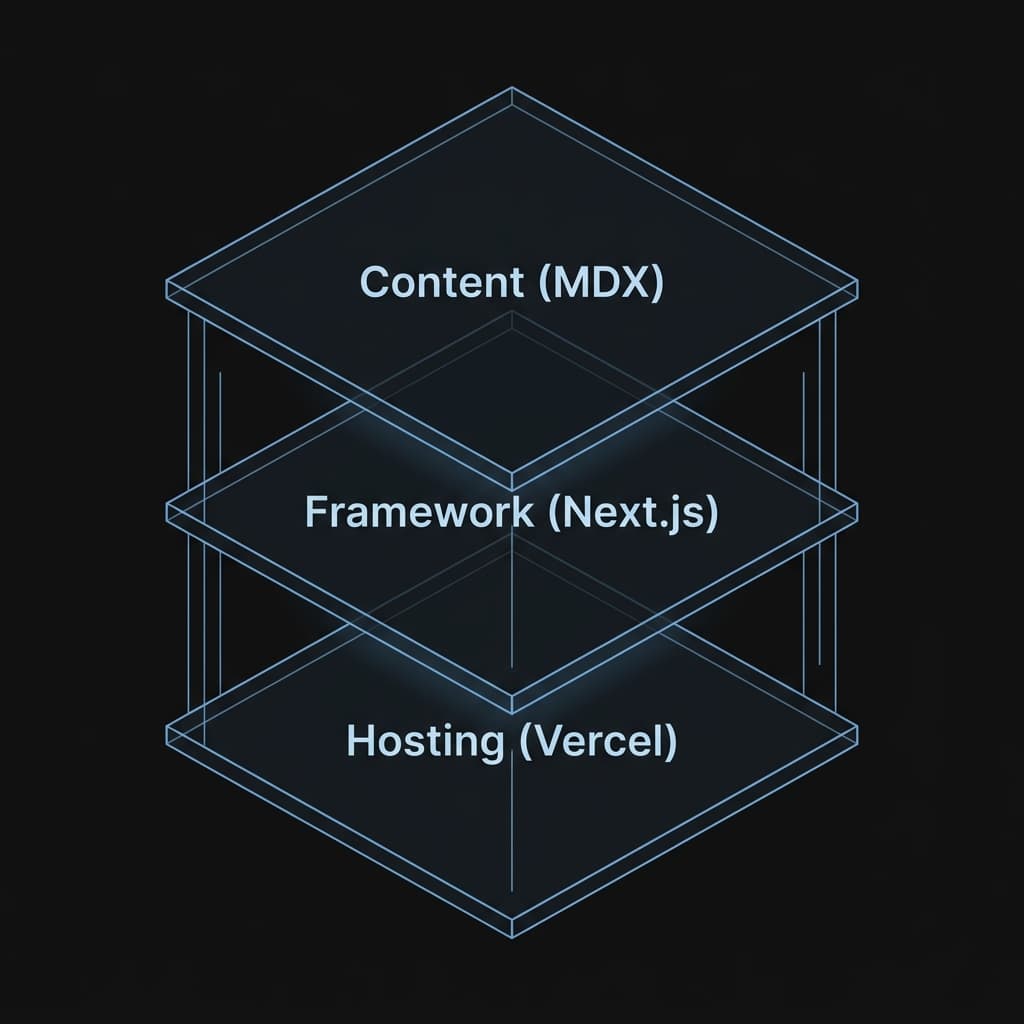
A technical diagnostic diagram illustrating the site's vertical stack: Next.js 15 (Core), MDX (Content Layer), and Vercel (Hosting Infrastructure).
The Design System
Before writing a single page, I built a lightweight design system using CSS custom properties. Every color, font, and spacing value lives in :root variables — changing the brand color site-wide is a one-line edit.
Color Palette
The colors came from a personal place. I grew up in North Carolina and the Carolina/Duke rivalry is part of my identity. Those two blues became the brand:
- Carolina Blue
#7BAFD4— primary accent. Headings, links, highlights, CTAs. - Duke Blue
#012169— secondary. Borders, card backgrounds, depth layers. - Background
#0a0a0a— near-black. Softer than pure black on the eyes. - Surface
#141414— card and navbar backgrounds. Creates subtle depth without harsh contrast.
The dark theme sets the site apart from the sea of light-background agency sites. It also makes the accent colors hit harder.
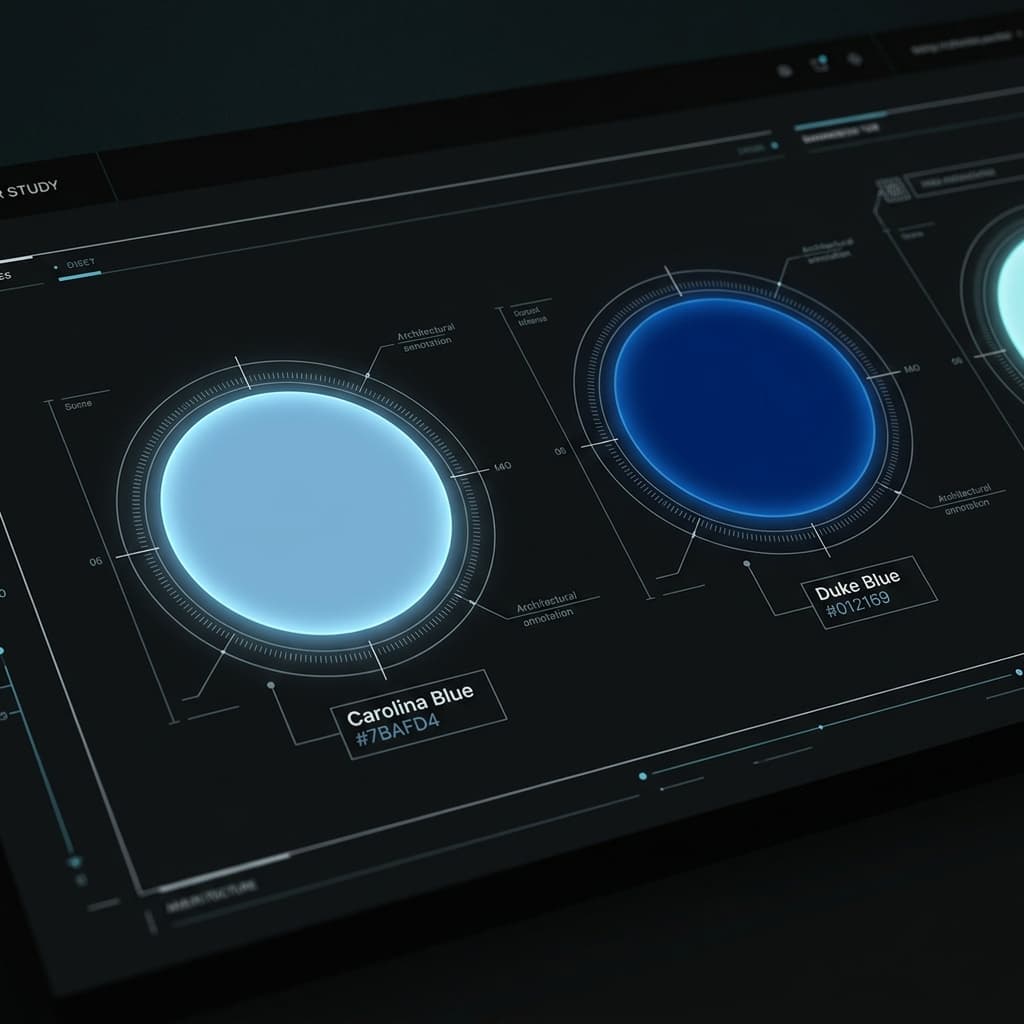
A visual diagnostic study of the brand's primary color system, showcasing the contrast between Carolina Blue and Duke Blue against a deep charcoal background.
Typography
Font selection went through three iterations:
- Poppins — clean and modern but too generic. Every SaaS site uses it.
- Cabinet Grotesk + Satoshi — better pairing, stronger personality, still fully geometric.
- Fraunces + Urbanist — the final choice. Fraunces is an optical serif with a distinctive italic character — editorial without being formal. Urbanist is a clean geometric sans-serif that lets Fraunces do the personality work without competing. Together they give the site a voice that purely geometric pairings can't achieve.
Both fonts are loaded via Fontshare — a free font service that serves them from your own domain rather than Google's servers. Zero performance cost, no privacy concerns.
Grid Background + Glow
The hero sections use a subtle CSS grid background — lines at rgba(123,175,212,0.06) that fade out using a CSS mask gradient. It adds depth without competing with content. The Duke Blue glow above each hero is a radial-gradient on an absolutely positioned div — atmospheric without being distracting.
The Pages
The site launched with eight pages. Here's what drove each one.
Home
The original homepage was functional but flat — a hero, a services snapshot, and a trust bar. It worked structurally but had no narrative arc.
I rebuilt it using Donald Miller's StoryBrand framework — a system that positions the customer as the hero and the business as the guide. The full structure:
- Hero — the customer's problem stated boldly
- Problem — three specific pain points NWA contractors feel
- Guide — Chad's credibility and story
- Plan — three steps to get found
- What I Offer — six services, honest about what's a core strength vs. growing skill
- Success vs. Failure — two columns showing the stakes
- Transparency Pledge — four specific commitments signed by the founder
- Final CTA — an inline form, not just a button
Every section uses scroll-triggered animations via the browser's IntersectionObserver API — no external animation library. Each section fades up as it enters the viewport with staggered delays on card grids. Think of it as a motion sensor that fires a CSS transition instead of a light.
Services
The services page went through two designs. The first used detailed cards — description, bullet points, pricing, and a CTA all visible at once. Clean but overwhelming.
The second design uses an accordion — six service names visible by default, clicking any one expands the full details. Contractors can scan quickly and expand only what's relevant. Local SEO opens by default since it's the core offering.
The six services:
- Local SEO — the core offering
- Google Business Profile Optimization
- Web Design & Development
- Reputation Building
- Content & Keywords
- SEO Audits
About
The About page needs to do one thing: make a contractor trust a person they've never met. The layout puts the photo and stat cards on the left, the story on the right, with a timeline below showing the journey and a values section showing how engagements actually work.
One detail worth noting: the stat cards under the photo include "One Person — SEO + web development, no handoffs." That's not just a feature — it's a direct response to the contractor's fear of being passed around between departments.
Blog
MDX blog with feature images, tag pills, author bio cards, and estimated read time on every post. The read time is calculated automatically from word count — Math.ceil(words / 200) minutes. It sets expectations for busy contractors before they click.
Contact
Four ways to reach out — email, phone, Calendly booking link, and a contact form. Business hours displayed clearly. All form submissions handled by Formspree with a JavaScript success state that keeps visitors on the page instead of redirecting to a generic thank you page.
Portfolio
A filterable grid of case studies organized by category — Web Development, Local SEO, GBP Optimization, SEO Audits. Filter state persists in the URL as a query parameter so filtered views are shareable and survive page refreshes.
Currently one live entry: this site. Coming soon entries were removed — five "Coming Soon" placeholders next to one real entry undermines trust at exactly the moment you need to build it.
Privacy Policy + Terms of Service
Written in plain English. No legal maze, just honest documentation of what data is collected and how the business operates. Linked in the footer.
Service Area Pages
Six dynamic location pages generated from a single template — Siloam Springs, Bentonville, Rogers, Springdale, Fayetteville, and Fort Smith. Each page targets "[service] + [city]" searches with localized content and city-specific CTAs. Built with Next.js dynamic routes so adding a new city is a one-line data change.
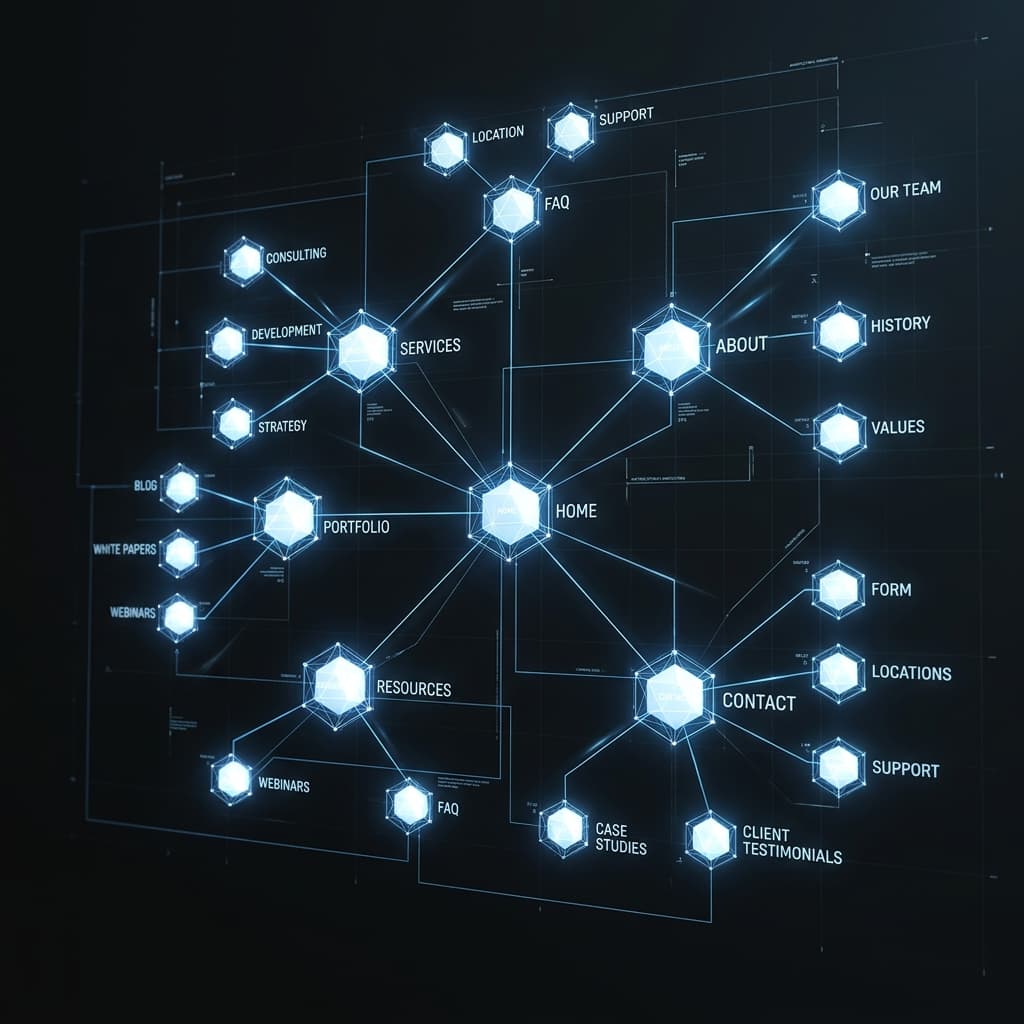
A cinematic 3D architectural map visualizing the site's structure, showing the relationship between the core pages and the dynamic service area templates.
Key Lessons from Part 1
Next.js 15 changed how params work. Route params are now a Promise — const { slug } = await params instead of params.slug directly. Catches you off guard if you're following older tutorials.
Split server and client components deliberately. Next.js 15's App Router is strict about the boundary between components that read files (server) and components that use React hooks and browser APIs (client). Several pages needed to be split: a server component fetches the data, a client component handles animations. Think of it like a kitchen and a dining room — the kitchen preps, the dining room presents.
Font pairing is worth iterating on. I went through three combinations before landing on Fraunces + Urbanist. The first two were fine. The third transformed the feel of the site. Don't lock fonts in early.
Accordions beat card grids for complex services. The first services page used detailed cards — everything visible at once. It looked thorough but felt overwhelming. The accordion trades visual density for clarity and converts better.
What's in Part 2
Part 2 covers the brand identity work — the logo design process, the Signal concept we started with, why we scrapped it for a location pin, and how the complete brand system was built in code.

Written by
Chad Smith
Founder of Local Search Ally. Helping NWA contractors get found on Google. Based in Siloam Springs, AR.