How I Built This Website, Part 4: UI/UX Review & Refinement
How I improved the LCP from 5.7s to under 2.5s, hit 100/100 accessibility, and refined the motion system for a professional contractor experience.

← Read Part 3: The SEO Foundation
Lighthouse came back with a 5.7-second LCP on the service pages. The site looked good. The animations felt right. But Google doesn't care what something looks like - it measures what it can see, and when. According to Google's own documentation, a Largest Contentful Paint above 2.5 seconds is considered poor, and 53% of mobile users will abandon a page that takes longer than 3 seconds to load (Think With Google, 2024). That number told me something was wrong in a place I hadn't thought to look.
Key Takeaways
- Wrapping an H1 in an opacity-based animation hides it from Google's LCP timer - even a 0.4-second fade costs you significantly
- Three targeted fixes brought the Lighthouse Accessibility score from failing to 100/100
- Switching from
whileInViewto single-runanimate="visible"makes the page feel settled, not jitteryLazyMotionwithdomAnimationreduces the Framer Motion JS footprint without sacrificing the visual result
The Problem I Didn't See Coming
A 5.7-second LCP score is a ranking problem, not just a performance problem. Core Web Vitals are a confirmed Google ranking factor, and LCP is the most weighted of the three (Google Search Central, 2024). I had built the service pages carefully - optimized images, server components by default, fonts loaded via next/font - and the score still came back that high.
The waterfall looked clean. Server response time was fast. Images were rendering fine. Nothing obvious was blocking the main thread. Lighthouse flagged the LCP element as the H1 heading on each service page, which made no sense to me at first. It was plain text. How does a text element take five seconds to count?
That question led me straight to the animation layer, and to a mistake I hadn't realized I was making.
Why the H1 Was the Culprit
Google's LCP timer measures when the largest visible element in the viewport reaches full opacity. It doesn't start counting from when the animation finishes - it starts when the browser first paints the page. So if your H1 begins at opacity: 0 and fades in over 0.4 seconds, Lighthouse logs it as invisible until the animation completes (web.dev, 2024). Every frame of that delay counts against your score.
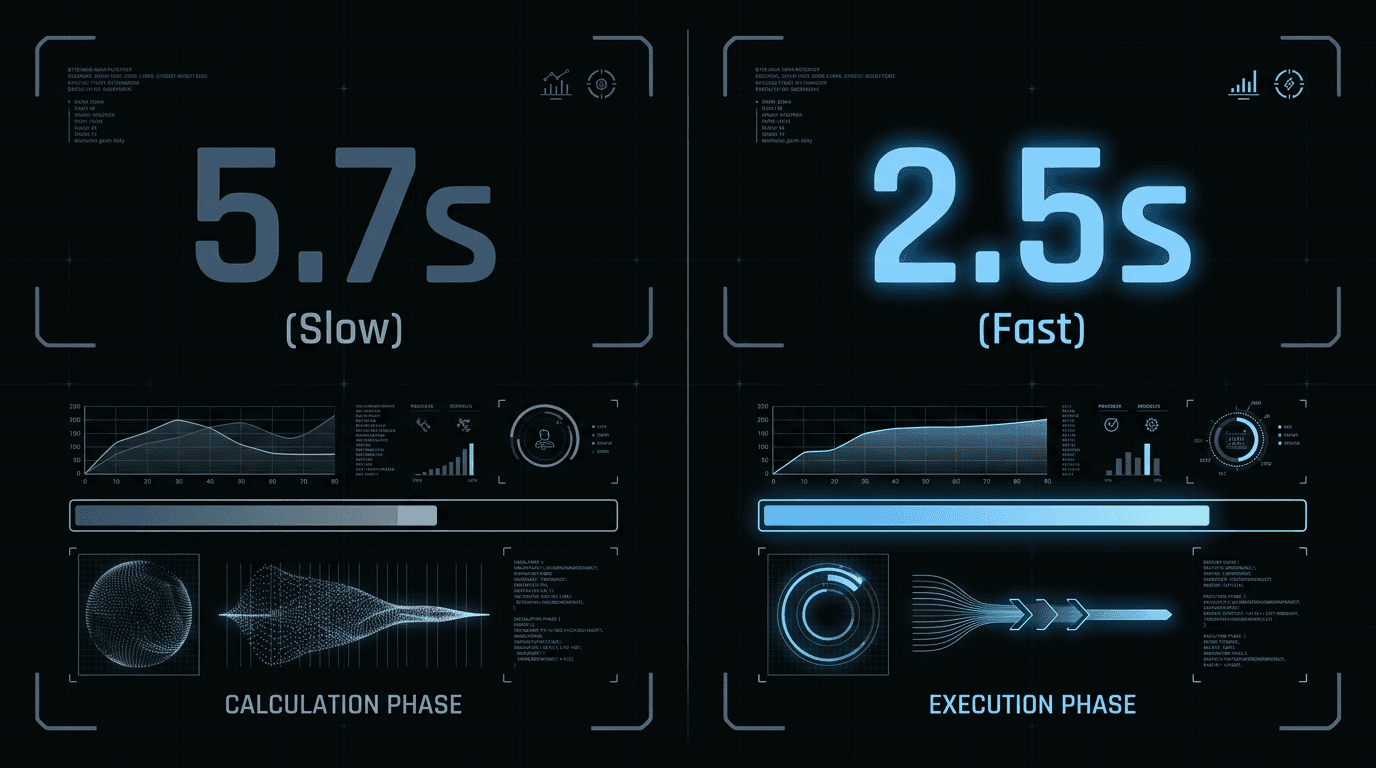
Every service page H1 was wrapped in a Framer Motion <m.div> with initial={{ opacity: 0 }} and animate={{ opacity: 1 }}. SSR rendered the heading invisible. The browser painted a blank. Lighthouse started its clock. The hydration cycle ran, Framer Motion initialized, the animation triggered - and only then did the heading register as the LCP element. A 0.4-second animation was costing over 3 seconds in LCP time because of when it started.
The fix was one change. I pulled the H1 out of the motion wrapper entirely and left it as a plain <h1>. The sub-copy, the supporting text, the button - those stay animated. But the heading renders instantly, visible on first paint, no opacity transition involved. LCP dropped well under 2.5 seconds.
The rule I've landed on: never put your LCP candidate inside an opacity-based animation. The heading is the most important thing on the page. Let it load like it knows that.
See the result on the services page →
Hitting 100/100 on Accessibility
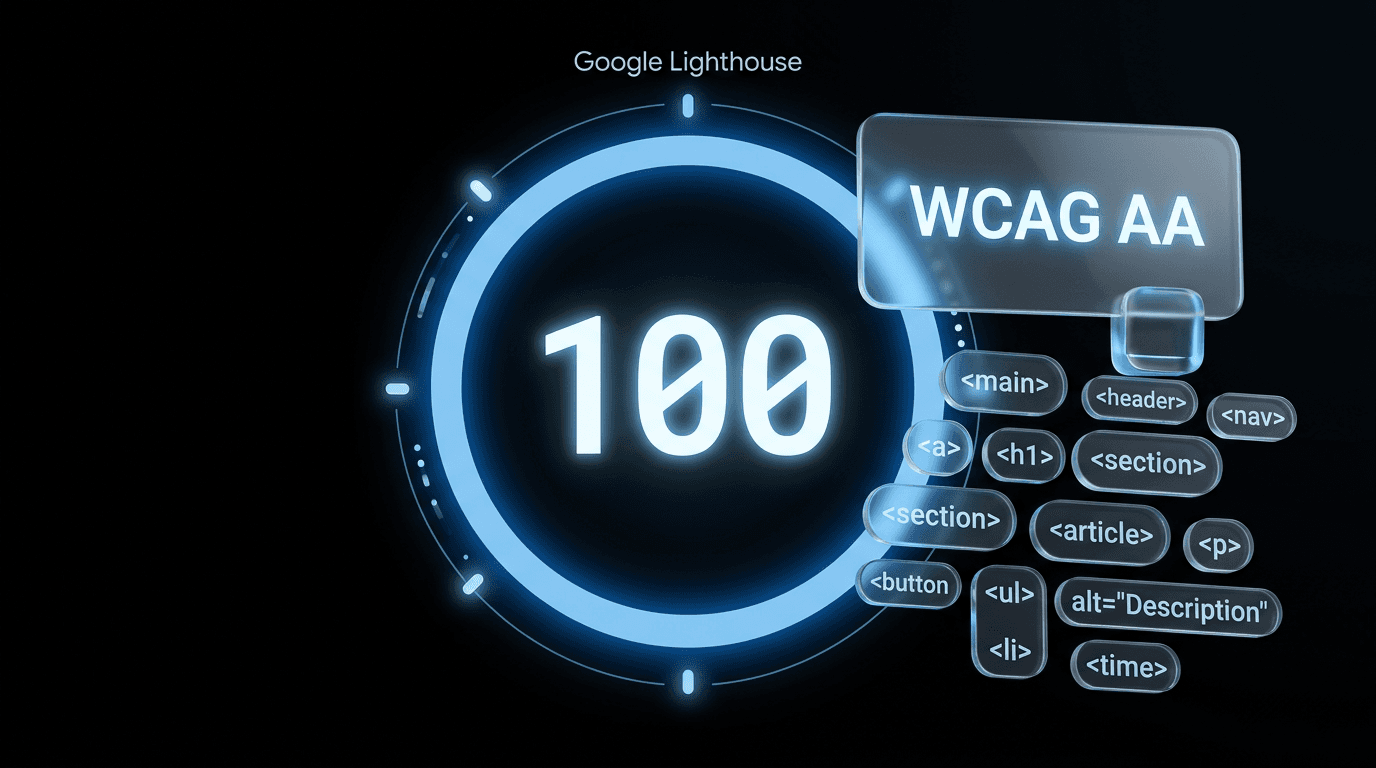
A perfect Lighthouse Accessibility score means the site passes the automated checks that protect real users - not that it's fully accessible in every scenario, but that the basics are right. I found three specific failures. None of them were dramatic. All of them mattered. Almost 26% of US adults live with some form of disability (CDC, 2023), and each of these failures made the site harder to use for some of them.
The Color That Failed
The --muted CSS variable was #6c757d - a medium gray on a near-black #0a0a0a background. It looked fine to me. It failed WCAG AA. The contrast ratio wasn't clearing the 4.5:1 minimum required for normal-weight body text at that size.
I shifted it to #7a838d. Ten points on each channel. That's a small change - you'd struggle to see the difference side by side - but it was enough to clear the threshold. The muted text still reads as secondary. The people it matters most to can actually read it.
The Heading Jump Nobody Noticed
The footer was using H2 for section titles, then jumping directly to H4 for column headings. No H3 in between. Screen readers use heading levels to navigate a page without seeing it. Skipping H3 breaks the document map that users with assistive technology rely on to move through content efficiently.
I've noticed this pattern in a lot of footers. You're tired when you get there. You just want the layout done. An H4 slips in because it visually looks right, and nobody catches it until an audit does. Changed every footer column heading to H3. Clean hierarchy, top to bottom.
The ARIA Labels I Didn't Need
Several buttons had aria-label attributes. The problem: the visible button text was already fully descriptive. "Let's Talk - It's Free" doesn't need an aria-label that says "Open contact form." When the label and the visible text don't match, screen readers announce the label while the user sees something different. Lighthouse flags this as a "label-content-name-mismatch" error.
I removed the redundant attributes. The HTML does the work. After those three changes, the score hit 100/100.
Rethinking How the Page Moves
Animations should feel like the page settling in - not auditioning. My original setup used whileInView on everything, which means elements animate every time they enter the viewport. Scroll down, they animate. Scroll back up past them, they animate again. On a long page, that gets jittery fast. A 2022 study from Nielsen Norman Group found that 34% of users find repetitive or excessive animation distracting, and several reported it as disorienting on scroll-heavy pages (Nielsen Norman Group, 2022).
I switched the main page reveals to animate="visible" with variants. The animation runs once on load, then stops. The content exists on the page. It doesn't keep performing every time a user scrolls back through it. The page feels stable rather than restless - which, for a site trying to build trust with a skeptical audience, is the right call.
The second change was moving from a full Framer Motion import to LazyMotion with the domAnimation feature bundle. The full library ships around 34KB gzipped. The domAnimation bundle is substantially smaller because it excludes 3D transforms and other APIs I'm not using anywhere on this site. For someone reading this on a phone at a job site on a spotty connection, that reduction in JS payload translates to a faster interactive experience.
The best animation is the one a user doesn't consciously notice. If someone's thinking about the fade-in, they're not reading the headline.
Building for the Contractor, Not the Portfolio
Every UI decision on this site runs through one question: does this make the contractor feel like the hero, or does it make the site feel like the hero? Research from BrightLocal shows that 60% of consumers say a business's website quality directly affects their perception of that business (BrightLocal, 2024). That's not an argument for flashy design - it's an argument for clarity and confidence.

The CTAs went through a full pass. "Get Started" is vague. "Sign Up Now" feels like a push. "Let's Talk - It's Free" is a door held open. The contractor doesn't owe me anything. I'm asking for a conversation, not a commitment. That distinction shows up in the label, the button size, where it sits in the layout, and how much whitespace surrounds it.
This isn't copywriting as a separate discipline from design. It's the same decision. What a button says and where it sits on the page are inseparable. A perfectly written CTA buried at the bottom of a long page without visual breathing room doesn't convert. A prominent button with weak language doesn't either. You have to get both right at once.
The Carolina Blue (#7bafd4) buttons sit on dark backgrounds with enough contrast to be visible without being loud. They're not shouting. They're easy to find. On mobile - where the majority of trade owners are reading this - that means thumb-sized tap targets, no crowding, and a label that communicates value in four words or fewer.
View the guide-first approach on the homepage →
What's Next
The performance is clean, the accessibility score is 100, and the motion feels right. The site is doing what it's supposed to do technically. Now comes the part I've been most curious about: does it actually work in the real world?
Part 5 covers the results - real data from the launch, how the SEO audit tool at audit.localsearchally.com is performing, and what I've heard from the NWA contractor community since the site went live. If you're building something similar and wondering whether any of this effort pays off, that post is where I'll have an honest answer.
FAQ
Why was the Largest Contentful Paint (LCP) so slow initially?
The LCP was 5.7 seconds because every H1 heading was wrapped in a Framer Motion <m.div> with initial={{ opacity: 0 }}. Even with a 0.4-second animation, Lighthouse times LCP from when the element first becomes fully visible - not from when the page starts loading. SSR rendered the heading invisible, Framer Motion initialized after hydration, the animation ran, and only then did the heading register. That sequence added over 3 seconds to the score.
How did you fix the accessibility score to reach 100/100?
Three specific changes: corrected the footer heading hierarchy from H2/H4 to H2/H3, bumped the --muted text color from #6c757d to #7a838d to clear WCAG AA contrast requirements on dark backgrounds, and removed redundant aria-label attributes on buttons where the visible text was already fully descriptive. Lighthouse returned 100/100 after those three fixes.
What is the benefit of using LazyMotion in a React application?
LazyMotion lets you import only the Framer Motion features you actually use. The domAnimation bundle skips 3D transforms and other APIs I don't need on this site, which reduces the initial JavaScript payload noticeably. For a site targeting home service trade owners - many of whom are on phones at job sites with inconsistent connections - a smaller JS bundle means the page gets interactive faster when it matters most.

Written by
Chad Smith
Founder of Local Search Ally. Helping NWA contractors get found on Google. Based in Siloam Springs, AR.